Responsible AI in practice: three questions before you hit enter
Most AI mistakes at work come down to three things: the wrong data in, an unchecked output out, or a problem nobody raised. Here's how to handle each.
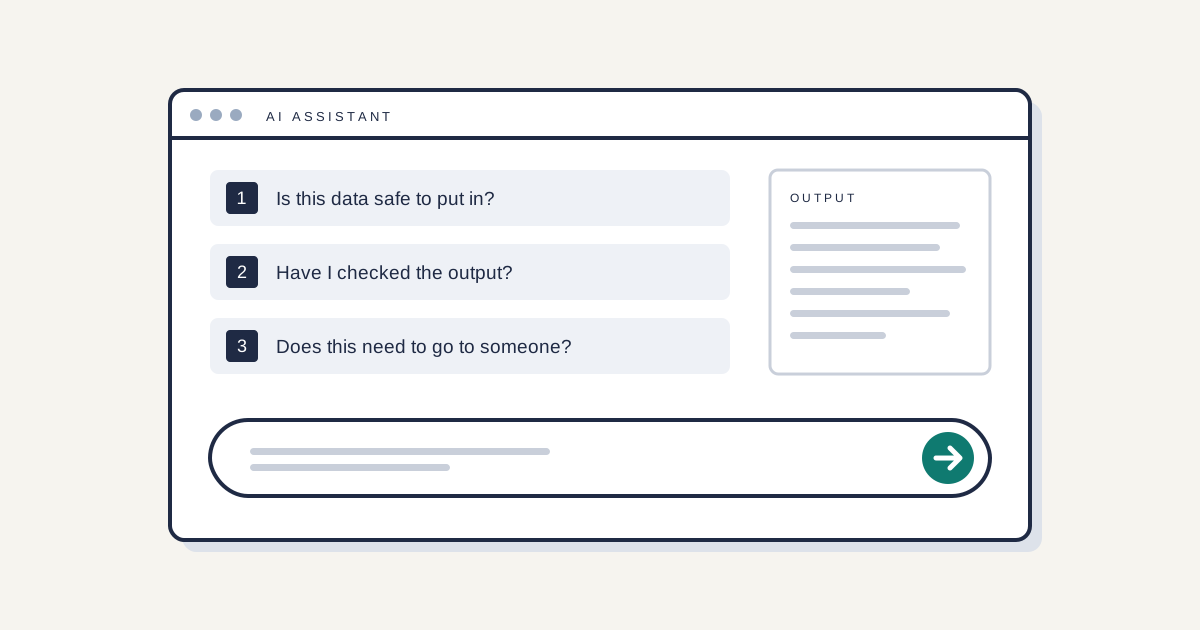
You don't need to be an expert to use AI responsibly at work. You need to ask three questions, every time.
1. Is this data safe to put in?
Sort what you're about to paste into one of three groups.
- Usually fine: public information, your own general writing, anything already on your website.
- Approved tools only: internal documents, plans, pricing, anything you'd mark confidential. Use only the tools your business has approved, with the settings it has agreed.
- Stop and check first: personal data about customers, staff or anyone else; client information; health, financial or legal details. If you're not sure the tool is approved for this, don't use it.
If you can't tell which group something falls into, treat it as the stricter one.
2. Have I checked the output?
AI tools write fluently. That's not the same as accurately. Before you use or send anything, check:
- Facts and figures. Are the numbers, dates and names right? Can you find the source?
- References. If it cites a report, a law or a case, does that thing exist and say what the output claims?
- Fit. Does it answer the actual question, for this customer, in this situation?
The rule is simple: if your name goes on it, you own it. "The AI wrote it" isn't a defence a customer or a regulator will accept.
3. Does this need to go to someone else?
Escalate to your manager or your AI governance owner when:
- personal or confidential data went into a tool it shouldn't have
- an AI output is about to inform a decision about a person, such as hiring, pricing for an individual or access to a service
- something AI-generated reached a customer and was wrong
- a supplier changes how its tool handles your data
- something just doesn't feel right
Raising a concern early is part of the job, not a sign you got it wrong. Problems caught in a day are small. Problems found six months later aren't.
What human oversight actually means
It means a person who understands the output, has the authority to change it, and has the time to look properly. Clicking "approve" on fifty drafts in five minutes isn't oversight. If a process doesn't leave room for a real check, raise that too.
For leaders, the job is to make these three questions easy to ask. Publish an approved tool list, name the person people should escalate to, and thank them when they do.
What this means for
- AI startups selling to enterprise: No new obligation. Buyers will expect your own staff to follow rules like these, so a written version you can share helps in due diligence.
- Startups implementing AI governance: UK data protection law (in force) applies when personal data goes into AI tools. These three questions make a practical basis for a staff AI policy.
- SMEs implementing AI governance: The same UK law applies to you now. Give staff an approved tool list and a named person to escalate to; that covers most of what this piece asks.
Want your team to work this way by default? Explore the Courses, starting with AI Awareness & Readiness and Responsible AI in Practice.
This is general information, not legal advice.
Sources
| Reference | Jurisdiction | Official source | Label |
|---|---|---|---|
| UK data protection law applies to personal data used in AI tools: ICO Guidance on AI and data protection (under review following the Data (Use and Access) Act 2025) | UK | https:// | Confirmed |
| Data groups, output checks, escalation triggers, definition of oversight | n/a | Edge AI Partners method | Our view |